
Oman eVisa Photo Requirements
Complete guide to photo specifications for your visa application
Why Photo Requirements Matter
When applying for an Oman eVisa, submitting a photograph that meets the official specifications is crucial for the success of your application. Incorrect photos are one of the most common reasons for visa application delays or rejections.
The Royal Oman Police has established strict photo requirements to ensure that all applicants can be properly identified. These specifications cover everything from background color and dimensions to facial expression and lighting.
Understanding and following these requirements will help you avoid common mistakes and ensure your visa application is processed smoothly and quickly.
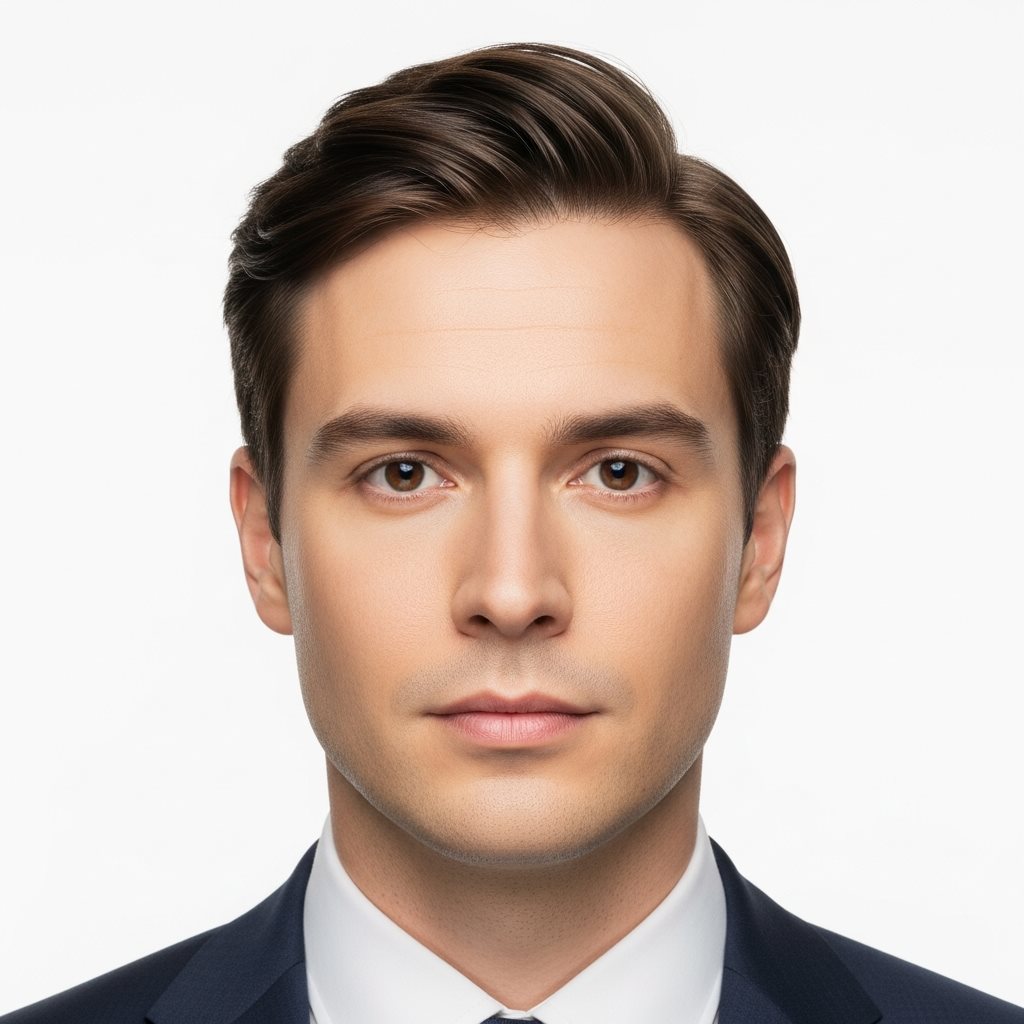
Basic Photo Specifications
Essential requirements for your Oman eVisa photo
Photo Age
Photo must be recent, taken within the last 6 months to accurately represent your current appearance.
Background Color
White or light-colored plain background required. No patterns, shadows, or decorative elements allowed.
Photo Format
JPEG or JPG format preferred. Photo must be in color, not black and white.
Dimensions
Minimum 600x600 pixels. Face should occupy 70-80% of the photo frame.
Detailed Photo Requirements
To ensure your photo meets all Oman eVisa standards, follow these detailed specifications:
- Recent Photo: The photograph must be taken within 6 months of your application date to reflect your current appearance.
- Color Photo: Only color photographs are accepted. Black and white photos will be rejected.
- Background: Must have a plain white or light-colored background with no shadows, patterns, or texture.
- Face Position: Your face must be fully visible, centered, and occupy 70-80% of the total frame.
- Head Coverage: Head must be uncovered unless for religious purposes. If wearing a headscarf for religious reasons, ensure your face is fully visible.
- Glasses: Glasses are allowed only if worn daily. Ensure no glare or reflection on lenses.
- Expression: Maintain a neutral expression with your mouth closed. No smiling or frowning.
- Eyes: Both eyes must be open and clearly visible, looking directly at the camera.
- Lighting: Good, even lighting with no harsh shadows on the face or background.
- Quality: High-resolution image with clear focus. No blur, pixelation, or digital alterations.
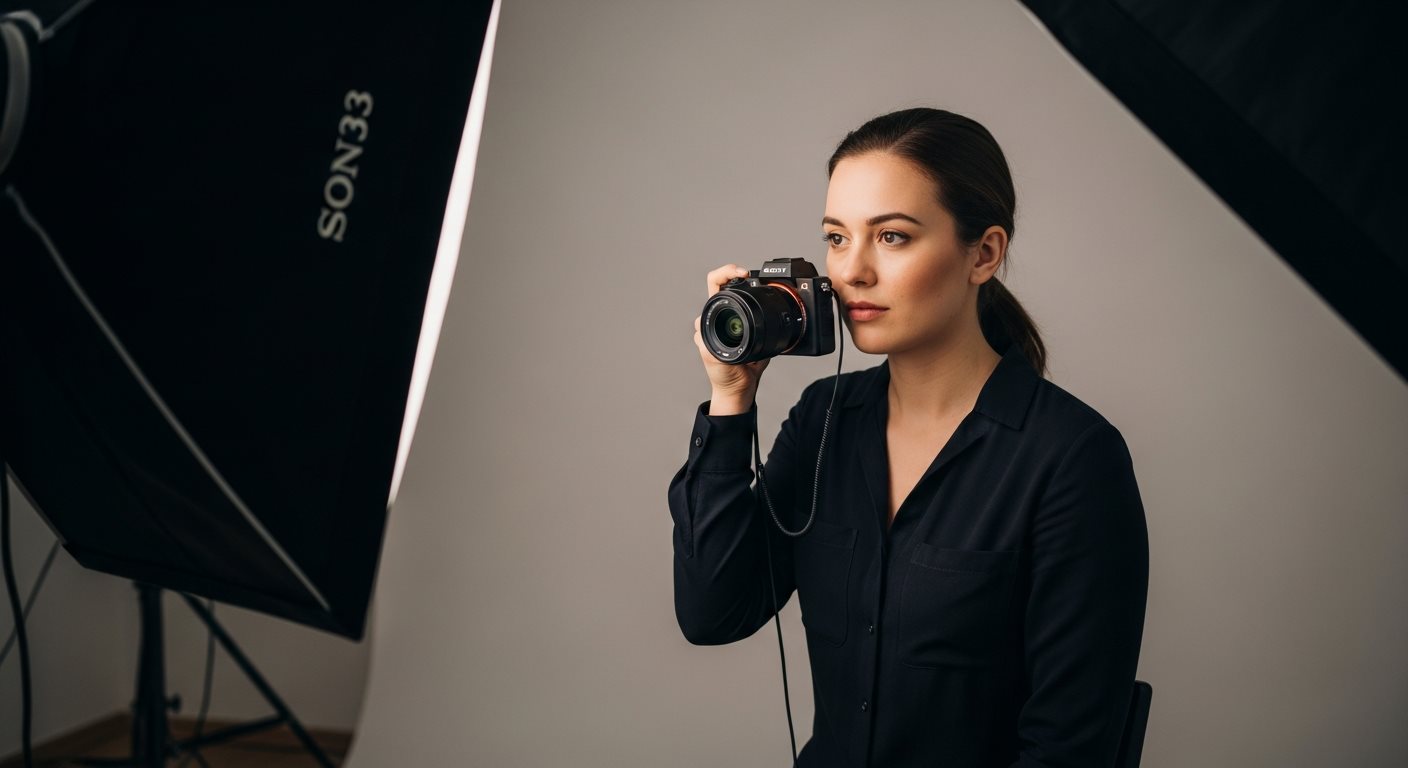
Technical Specifications
Beyond the visual requirements, your photo must also meet specific technical standards for digital upload:
- Minimum dimensions: 600x600 pixels
- Recommended dimensions: 800x800 pixels or higher
- File size: Should not exceed 2 MB
- Aspect ratio: 1:1 (square format)
- Accepted formats: JPEG (.jpg, .jpeg)
- Color mode: RGB color
- Resolution: Minimum 300 DPI recommended for print quality
- Compression: Should maintain high quality without excessive compression
- Sharp, in-focus image with no blur
- Natural skin tones without heavy filters or color correction
- No red-eye effect
- No digital alterations, filters, or enhancements
- Properly exposed without over-saturation or under-exposure
Common Photo Mistakes to Avoid
Many visa applications are delayed or rejected due to photo errors. Here are the most common mistakes and how to avoid them:
Mistakes to Avoid
- Old Photos: Using a photo older than 6 months
- Wrong Background: Colored, patterned, or busy backgrounds
- Poor Lighting: Shadows on face or background
- Incorrect Expression: Smiling, laughing, or unusual facial expressions
- Head Tilt: Head tilted to the side instead of facing camera directly
- Accessories: Sunglasses, hats, or other head coverings (except religious purposes)
- Low Quality: Blurry, pixelated, or low-resolution images
- Heavy Editing: Excessive filters, beauty effects, or photo manipulation
- Wrong Size: Photos that don't meet dimension requirements
- Shadows: Harsh shadows cast on face or background
Best Practices
- Take photo in natural daylight or well-lit room
- Use a plain white wall or white sheet as background
- Stand 1-2 meters away from the background to avoid shadows
- Position camera at eye level
- Wear normal daily clothing (avoid white or very light colors that blend with background)
- Remove glasses to avoid glare (unless worn daily)
- Keep a neutral expression with mouth closed
- Ensure photo is sharp and in focus
- Check that face occupies 70-80% of frame
- Review photo at 100% zoom to check clarity before uploading
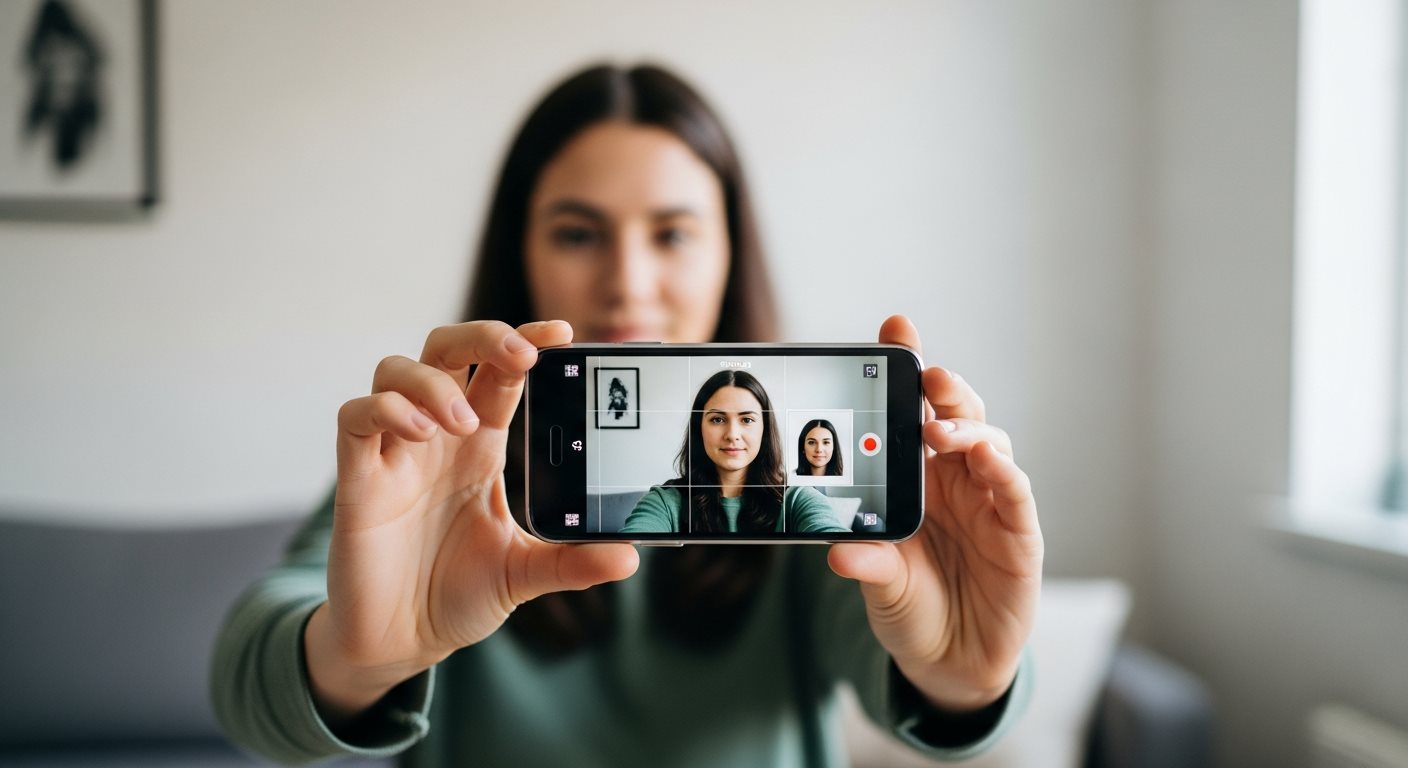
How to Take Your Own Photo
You can take a compliant eVisa photo at home with these simple steps:
- Set Up Your Background
Find a plain white wall or hang a white sheet. Ensure good lighting without harsh shadows. - Position Yourself
Stand 1-2 meters away from the background. This prevents shadows from forming behind you. - Camera Setup
Place camera or smartphone on a tripod or stable surface at eye level. Use timer or remote shutter. - Check Lighting
Ensure even, natural lighting on your face. Avoid direct sunlight or harsh artificial lights. - Frame the Shot
Your face should fill 70-80% of the frame. Ensure head and shoulders are visible. - Take Multiple Photos
Take several shots to choose the best one. Check for focus, expression, and lighting. - Edit if Necessary
Crop to correct size and adjust brightness slightly if needed. Do not use filters or heavy editing. - Verify Requirements
Check your photo meets all specifications before uploading to your visa application.
Professional Photo Services
If you prefer not to take your own photo, there are several options for obtaining a professional passport-style photograph:
Photo Studios
Visit a professional photography studio that specializes in passport and visa photos. They are familiar with international photo requirements.
Retail Services
Many pharmacies, post offices, and print shops offer passport photo services with instant printing.
Online Tools
Use online photo tools and apps that automatically format photos to meet visa requirements and check compliance.
Uploading Your Photo
Once you have a compliant photo, follow these steps to upload it to your eVisa application:
- File Format: Save your photo as a JPEG file (.jpg or .jpeg)
- File Name: Use a simple, clear filename without special characters
- File Size: Ensure the file is under 2 MB but not too compressed
- Double Check: Review the photo at full size before uploading
- Upload Process: Follow the prompts in the application form to select and upload your photo
- Confirmation: Wait for confirmation that the photo has been successfully uploaded
- Preview: Check the preview to ensure the photo displays correctly
If your photo is rejected during the initial screening, you will be notified and given the opportunity to upload a corrected version. For more information on correcting application errors, visit our application correction guide.
Frequently Asked Questions
Common questions about eVisa photo requirements
Glasses are generally allowed if you wear them daily, but you must ensure there is no glare or reflection on the lenses that obscures your eyes. If possible, it's better to remove glasses to avoid potential issues with your application.
Head coverings for religious purposes are permitted in visa photos. However, your face must be fully visible from the bottom of your chin to the top of your forehead, and both ears should ideally be visible. The headscarf should not cast shadows on your face.
Yes, modern smartphones have high-quality cameras that can produce acceptable visa photos. Ensure you follow all the photo requirements regarding background, lighting, and dimensions. Use the rear camera for better quality and avoid using selfie mode if possible.
If your photo doesn't meet the requirements, you will be notified and asked to upload a new photo. This may delay your application processing. To avoid rejection, carefully follow all photo specifications and review our guide on common rejection reasons.
No, you should maintain a neutral expression with your mouth closed. Avoid smiling, laughing, or any other facial expressions. This is standard for most passport and visa photos to ensure accurate facial recognition.
More questions? Visit our comprehensive FAQ page.
Ready to Apply for Your Oman eVisa?
Prepare your photo according to these requirements and start your application
Start Your ApplicationSecure application • Easy photo upload • Expert support