
How to Download and Print Your Approved Oman eVisa
Complete guide to accessing and preparing your electronic visa for travel to Oman
Your Oman eVisa Has Been Approved
Receiving approval for an Oman eVisa marks an exciting step toward a journey to the Sultanate of Oman. Once the application has been processed and approved, the electronic visa document becomes available for download. This digital document serves as an official travel authorization, permitting entry into Oman for tourism, business, or family visits.
The approved eVisa is sent directly to the email address provided during the application process. Travelers must download this document and either print a physical copy or store a digital version on a mobile device. Border control authorities at Omani entry points require presentation of the eVisa, making it essential to have the document readily accessible throughout the journey.
Understanding the correct procedures for downloading and printing the eVisa ensures a smooth entry experience. This guide provides detailed instructions on accessing the approved visa, proper printing specifications, and best practices for safeguarding this important travel document.
Step-by-Step Guide to Download Your Oman eVisa
Follow these simple steps to access your approved electronic visa document
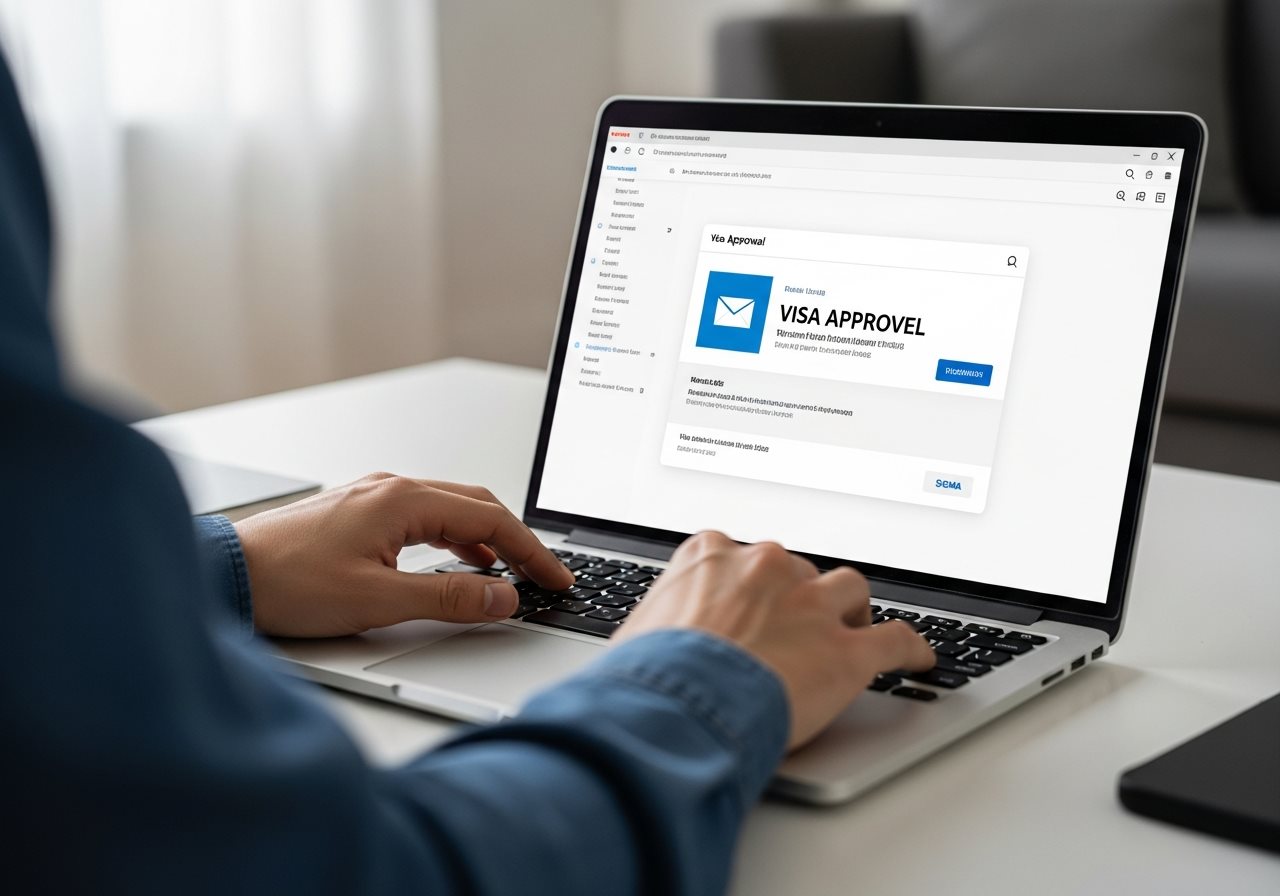
- Check Your Email Inbox
The approved eVisa is sent to the email address provided during application. Check the inbox, including spam or junk folders, for an email from the Royal Oman Police eVisa portal or the visa service provider used. - Open the Approval Email
The email contains important details, including the application reference number, visa type, validity dates, and a direct link or attachment to download the eVisa PDF document. - Download the PDF Document
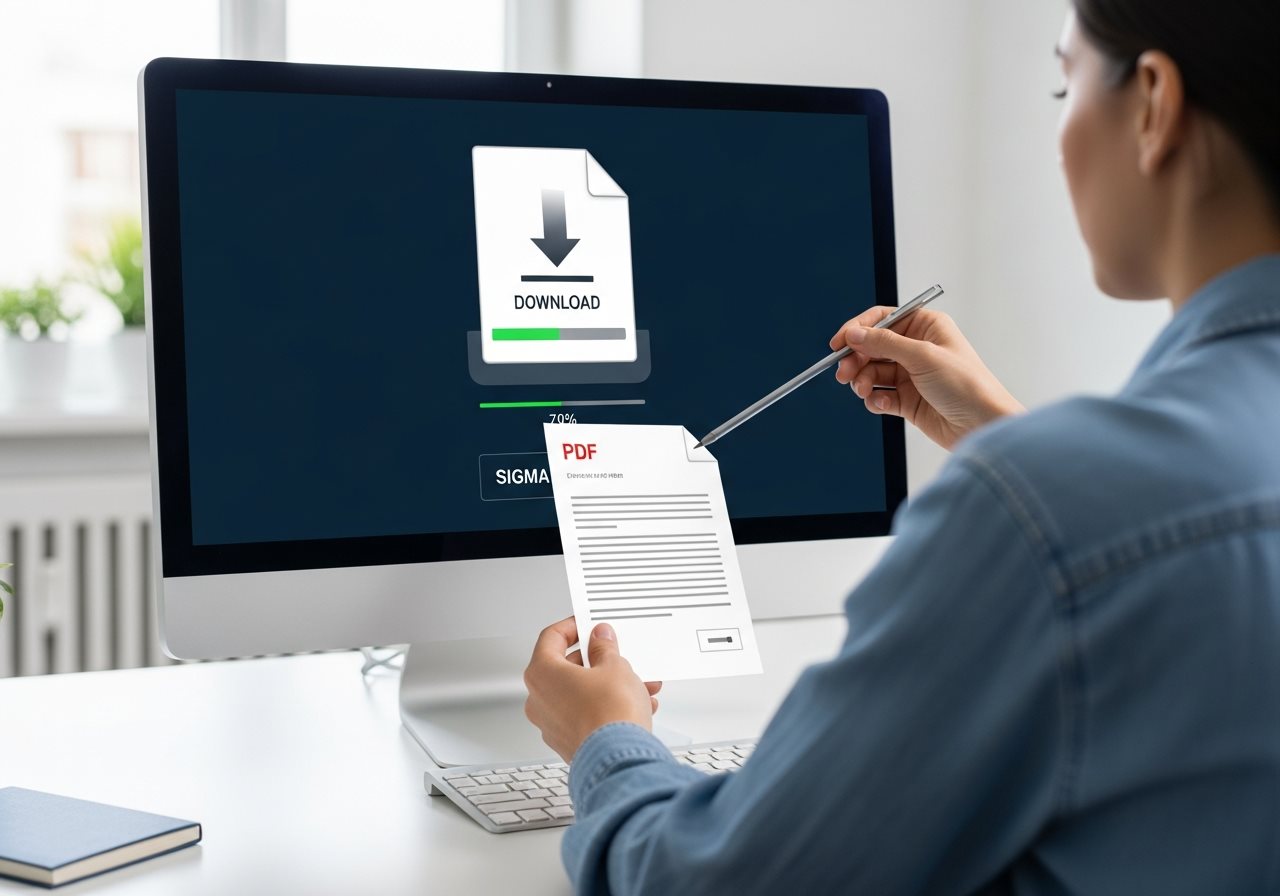
Click the download link or attachment in the email. The eVisa document will be saved as a PDF file, typically named with the application reference number or passport number for easy identification. - Verify the Document Details
Open the downloaded PDF and carefully review all information, including name spelling, passport number, date of birth, visa type (such as 26M tourist or 29A GCC resident), validity period, and entry permissions. - Save Multiple Copies
Store the PDF in multiple locations: email account, cloud storage (Google Drive, Dropbox), computer hard drive, and mobile device. This redundancy prevents loss if one copy becomes inaccessible.
How to Print Your Oman eVisa Correctly
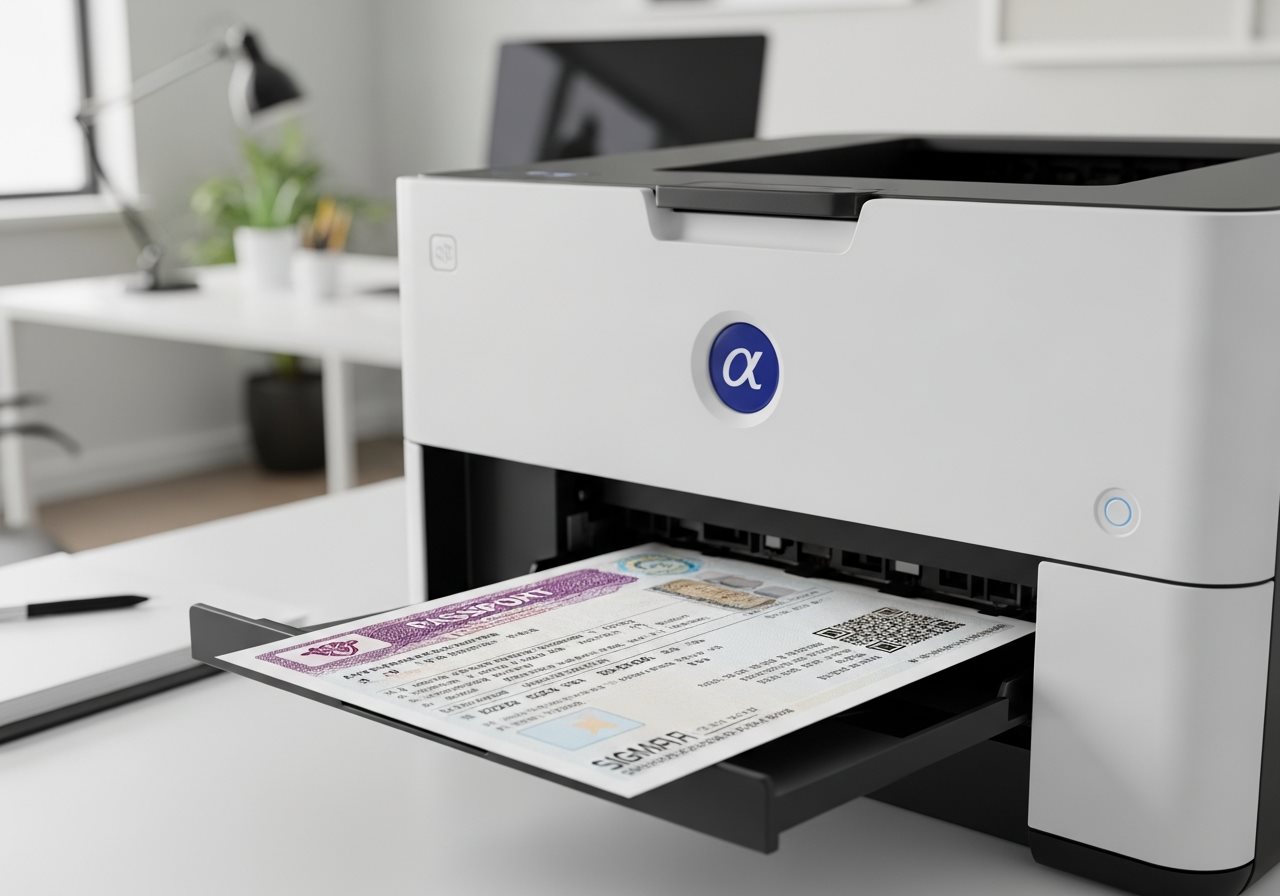
While digital copies on mobile devices are increasingly accepted, carrying a printed copy of the eVisa remains the recommended practice. Border control officers may request a physical document, and having a printed version eliminates potential technical issues with electronic devices.
Printing Specifications
- Paper Size: Standard A4 or Letter size paper is acceptable
- Print Quality: Use high-quality print settings to ensure all text, barcodes, and QR codes are clearly legible
- Color vs. Black & White: Color printing is preferred but not mandatory; black and white prints are acceptable if all details remain readable
- Single or Double-Sided: Print on one side of the paper only
- Condition: Ensure the printed document is clean, unwrinkled, and free from stains or damage
- Number of Copies: Print at least 2-3 copies to carry separately in luggage as backup
What to Present at Oman Immigration
Essential documents needed for smooth entry into the Sultanate
Valid Passport
Original passport with at least 6 months validity from date of entry and matching the eVisa details
Printed eVisa
Physical copy of the approved eVisa PDF document showing all visa details and barcode clearly
Accommodation Proof
Hotel reservation confirmation or invitation letter from host in Oman as provided in visa application
Return Ticket
Confirmed round-trip flight booking or onward travel itinerary demonstrating intention to leave Oman
Entry Process at Oman Border
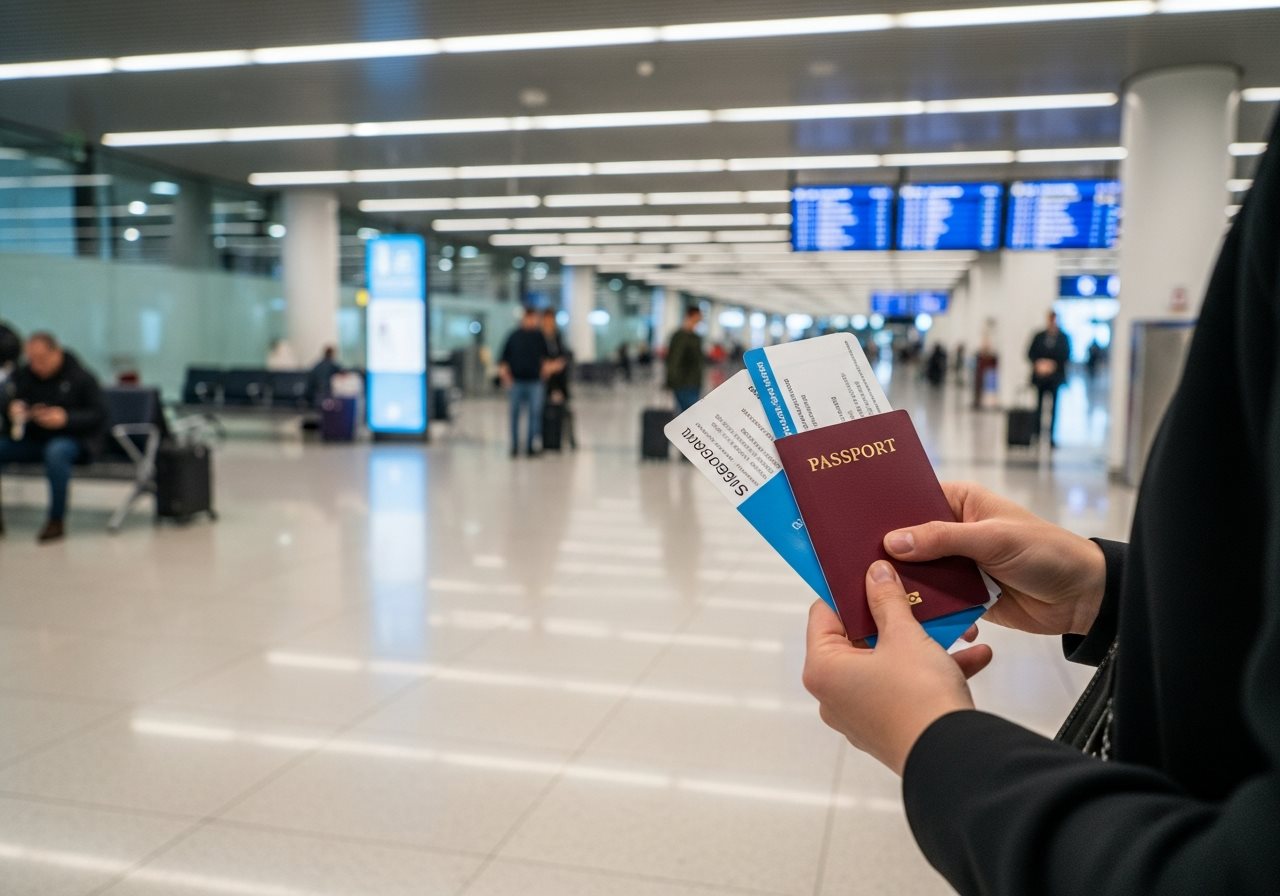
Upon arrival at Muscat International Airport or other entry points, proceed to the immigration counter designated for eVisa holders. Present the passport and printed eVisa to the Royal Oman Police officer. The officer will verify the document authenticity, scan the barcode, and grant entry permission. Entry approval remains at the discretion of immigration authorities, even with a valid eVisa. For more details, review entry requirements with eVisa.
Troubleshooting Common Download Issues
Occasionally, travelers encounter difficulties accessing their approved eVisa. Understanding common issues and solutions helps resolve problems quickly.
Solution:
- Check spam, junk, or promotions folders in email account
- Verify the correct email address was provided during application
- Wait for standard processing time (typically 3-5 business days) before contacting support
- Log into the eVisa portal using application reference number to download directly
Solution:
- Ensure a PDF reader application (Adobe Acrobat Reader, Foxit, or browser PDF viewer) is installed
- Download the file again if the original appears corrupted
- Try opening the PDF on a different device or computer
- Contact the visa service provider if the file remains inaccessible
Solution:
- Review procedures for correcting application errors immediately
- Contact the Royal Oman Police eVisa support or visa service provider
- Minor spelling errors may require a new application, depending on the nature of the mistake
- Do not travel with an eVisa containing incorrect passport details, as entry will be denied
Essential Tips for Safe Travel with Your eVisa
Keep Multiple Copies
Store digital copies in cloud storage and email. Carry printed versions in different bags to prevent loss.
Download Early
Access and print the eVisa immediately upon approval. Do not wait until the last minute before departure.
Verify All Details
Double-check passport number, name spelling, and dates on the eVisa match the passport exactly before traveling.
Frequently Asked Questions About Downloading eVisa
Common questions about accessing and printing the Oman electronic visa
The approved eVisa is typically available for download immediately upon approval. An email notification is sent to the address provided during application, containing either a direct download link or a PDF attachment. In most cases, the email arrives within minutes of approval, though it may take up to 24 hours in rare instances.
While many travelers successfully present digital copies on smartphones or tablets, carrying a printed copy is strongly recommended. Immigration officers may prefer physical documents, and technical issues (dead battery, screen damage, connectivity problems) could prevent access to digital files. Having both printed and digital copies ensures preparedness for any situation.
If the eVisa cannot be downloaded before departure:
- Contact the Royal Oman Police eVisa helpline immediately (+968 2429 0942)
- Use the application reference number to request re-sending the document
- Access the eVisa portal directly using login credentials to download from the account dashboard
- Consider delaying travel until the document is secured, as entry without an eVisa may be denied
For urgent situations, explore express processing options for last-minute applications.
Printing 2-3 copies of the eVisa is recommended. Carry one copy in carry-on luggage for immediate access at immigration, another in checked baggage as backup, and consider leaving a third copy with family or travel companions. This redundancy ensures a replacement is available if the primary copy is lost, damaged, or misplaced during travel.
Related Resources for Oman eVisa Travelers
Explore additional guides to plan the perfect journey to Oman
Application Guide
Step-by-step instructions for completing the Oman eVisa application form correctly.
Read GuideCommon Mistakes
Learn about errors to avoid when applying for an Oman eVisa to prevent rejection.
Avoid Errors