
Made a Mistake on Your Oman eVisa Application?
Discover the proper procedures to correct errors and ensure your visa application is processed smoothly
Submitting an Oman eVisa application involves providing accurate personal and travel information. However, mistakes can happen during the application process. Whether it's a typo in passport details, incorrect travel dates, or wrong contact information, errors can cause delays or result in visa rejection. Understanding how to address these mistakes is crucial for ensuring a successful visa application and avoiding unnecessary complications.
The Royal Oman Police eVisa system is designed to be user-friendly, but once an application is submitted, making changes becomes more complex. Travelers must know the proper procedures for correcting errors, whether minor typos or significant data discrepancies. Acting quickly and following the correct steps can save time and prevent the need for a complete reapplication.
Understanding Common Application Errors
Application mistakes can occur at various stages of the Oman eVisa application process. Recognizing the type of error is the first step toward finding the appropriate solution. Errors generally fall into three main categories: minor typos, significant data discrepancies, and document-related issues.
Minor Typographical Errors
Minor errors include small spelling mistakes in names, incorrect middle initials, or transposed digits in passport numbers. These mistakes typically do not affect the core identity information but can still cause problems during verification. Examples include writing "Jhon" instead of "John" or entering a birthdate as 15/03/1990 instead of 13/05/1990.
Major Data Discrepancies
Significant errors involve crucial information such as completely wrong passport numbers, incorrect nationality, or mismatched personal details. These errors can lead to immediate rejection of the application and may require a fresh submission. Major discrepancies include entering a different passport number entirely or selecting the wrong visa type.
Document Upload Mistakes
Issues with required documents include uploading blurry passport scans, incorrect photo formats that don't meet photo requirements, or missing pages from the passport scan. These errors are often caught during the review process and may result in application delays.

Correcting Errors Before Submission
The easiest time to fix mistakes is before submitting the application. The Royal Oman Police eVisa portal allows applicants to review all entered information before final submission. This review stage is critical for identifying and correcting any errors.
Review Process
When filling out the eVisa application form, applicants should carefully review each section before proceeding to the next. The system typically provides a summary page showing all entered information. At this stage, corrections can be made easily by clicking the edit button next to any field.
Double-Check Critical Information
Pay special attention to passport details, ensuring the passport number matches exactly as it appears in the document. Verify that names are spelled correctly with proper spacing and special characters if applicable. Confirm that dates are entered in the correct format (usually DD/MM/YYYY) and that the nationality selection matches the passport issuing country.
Document Verification
Before uploading documents, ensure they meet all technical requirements. Passport scans should be clear, in color, and show all information pages. Photos must adhere to specific dimensions and background requirements. Preview all uploaded files to confirm they are readable and properly oriented.
What to Do After Submission
Options for addressing errors in submitted applications
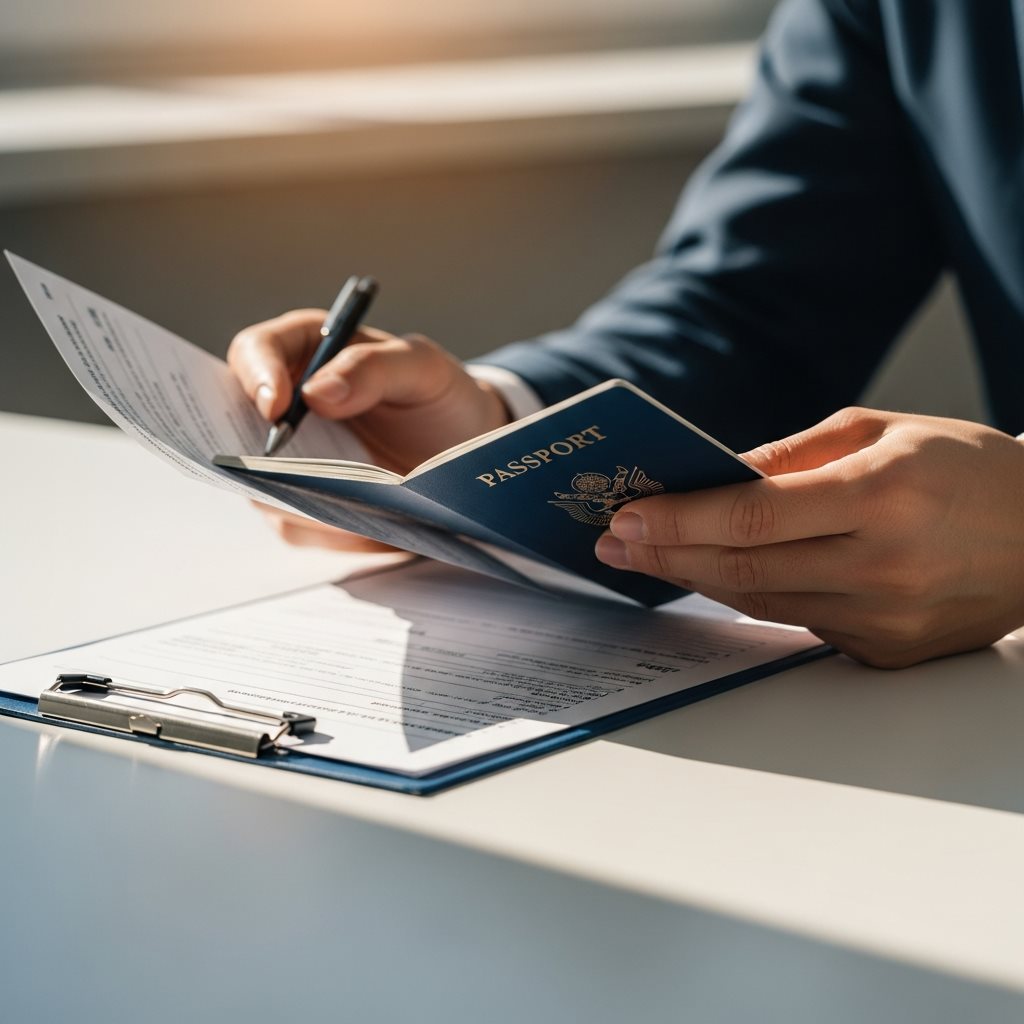
Once an application has been submitted and payment processed, making changes becomes significantly more challenging. The Royal Oman Police processes applications quickly, and modifications to submitted forms are generally not permitted through the standard online portal. However, several options exist depending on the severity of the error and the application status.
Immediate Action Steps
If an error is discovered immediately after submission, contact the Royal Oman Police eVisa support center as soon as possible. The call center can be reached at +968 2429 0942 or +968 2429 0826, or via email at Info-OmaneVisa@rop.gov.om. When contacting support, have the following information ready:
- Application reference number received after submission
- Passport number and full name as entered in the application
- Detailed description of the error that needs correction
- Correct information that should have been entered
- Payment receipt or transaction ID
Types of Corrections and Their Procedures
Minor Spelling Errors
Small typos in names (one or two characters) may be correctable through support contact. Provide documentation showing the correct spelling.
Passport Number Errors
Incorrect passport numbers typically require a new application. The system validates passport numbers against entry records.
Date Corrections
Travel date errors may be adjustable if the visa hasn't been issued. Contact support immediately for date-related corrections.
Document Issues
Incorrect or poor-quality document uploads often result in rejection. A new application with proper documents is required.
When to Submit a New Application
In many cases, particularly when dealing with significant errors or rejected applications, submitting a fresh application is the most efficient solution. While this involves paying the visa fee again, it ensures that all information is correct from the start.
Situations Requiring Reapplication
A new application is necessary when the passport number is completely incorrect, the wrong visa type was selected, the application has been rejected due to errors, or critical personal information (nationality, date of birth) is wrong. Additionally, if documents uploaded were incorrect or poor quality and the application has already been processed, reapplication is required.
Steps for Reapplication
When submitting a new application, gather all correct documents before starting. Review the original application to identify what went wrong. Double-check all information against the passport and travel documents. Use the correct photo format and ensure document scans are clear and complete. Complete the entire application carefully, reviewing each field before proceeding.
Avoiding Double Applications
Do not submit multiple applications simultaneously hoping one will be correct. This can create confusion in the system and may result in both applications being rejected. Wait for confirmation of rejection or contact support to cancel the incorrect application before submitting a new one.

Common Reasons for Application Rejection
Understanding why applications are rejected helps prevent future errors. The most frequent rejection reasons include incorrect or incomplete documentation, mismatched information between the application and passport, poor quality photos or document scans, and invalid passport (less than six months validity).
Other reasons include previous visa violations or overstays in Oman, security concerns flagged during background checks, incorrect visa type selected for the intended purpose of visit, and missing required supporting documents such as hotel reservations or return tickets. Each rejection notification typically includes the specific reason, allowing applicants to address the issue in a new application.
Preventing Application Errors
Best practices for a smooth eVisa application experience
Frequently Asked Questions
Common questions about correcting Oman eVisa application errors
Once an Oman eVisa application is submitted and payment is processed, direct editing through the portal is not possible. However, applicants can contact the Royal Oman Police eVisa support immediately after submission to request corrections for minor errors. For significant mistakes, submitting a new application is typically required.
An incorrect passport number is a critical error that typically requires a new application. The passport number is used for verification at immigration, and any mismatch will result in entry denial. Contact the eVisa support center immediately, but be prepared to submit a fresh application with the correct passport details.
Generally, eVisa fees are non-refundable once payment is processed. If the application is rejected due to errors on the applicant's part, a new application with a new fee payment is required. This policy emphasizes the importance of careful review before submission.
If corrections are possible through the support center, the processing time may extend beyond the standard timeline. Minor corrections can take an additional 24-48 hours, while more complex issues may require several business days. Submitting a new application is often faster for urgent travel needs.
Monitoring Your Application Status
After addressing errors and submitting corrections or a new application, regular monitoring of the application status is essential. The Royal Oman Police provides an online tracking system where applicants can check their visa status using their application reference number and passport details.
Learn how to effectively check your Oman eVisa application status to stay informed about processing updates. The system shows various statuses including "Under Review," "Approved," "Rejected," or "Pending Additional Information." If additional documents or information are requested, respond promptly to avoid further delays.
Best Practices to Avoid Future Mistakes
Learning from errors helps ensure smoother future applications. Implementing systematic procedures can significantly reduce the likelihood of mistakes and ensure successful visa processing.
Preparation Checklist
Before starting the application, create a comprehensive checklist of all required information and documents. This includes passport details, travel dates, accommodation information, and return flight details. Having everything prepared in advance reduces the chance of entering incorrect information under time pressure.
Document Quality Standards
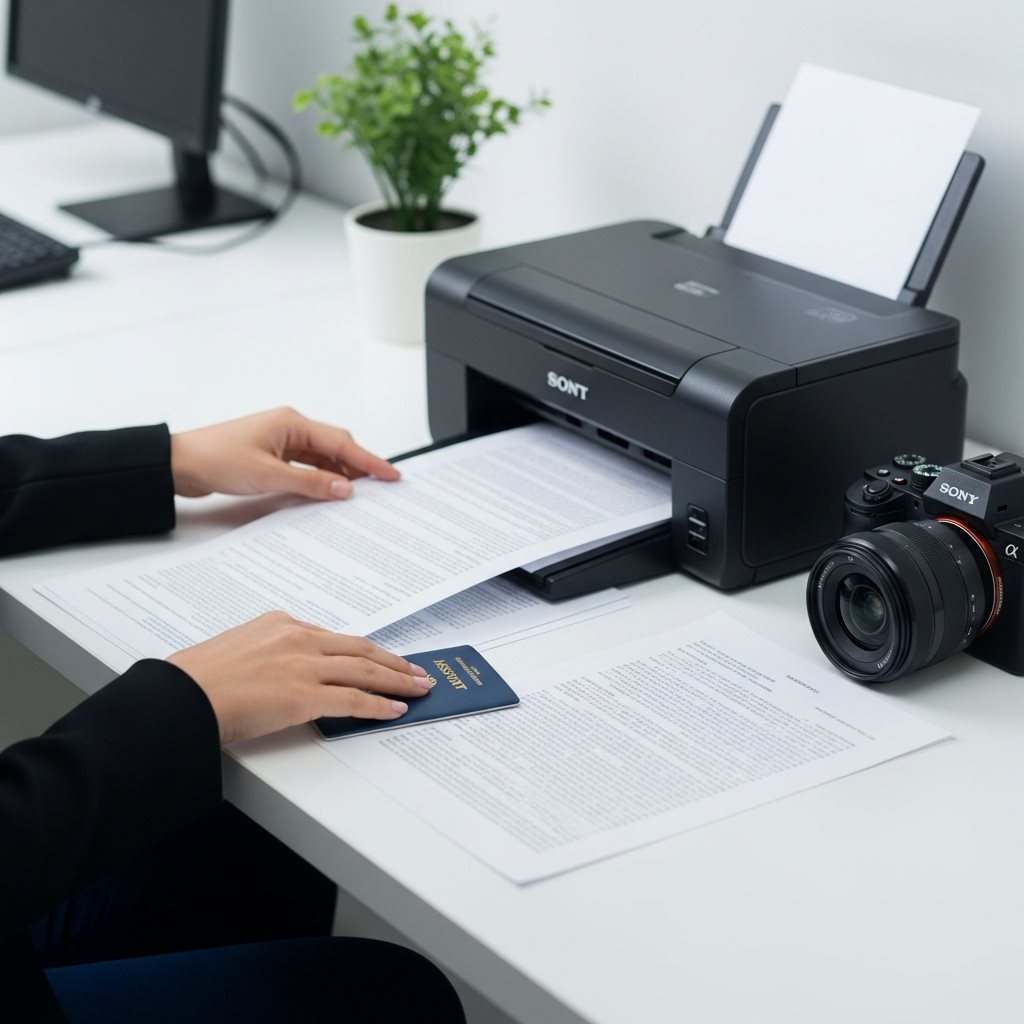
Ensure all documents meet technical specifications. Use a scanner rather than a smartphone camera for passport copies when possible. Verify that photos meet exact dimension and background requirements. Check that all uploaded files are clearly readable and properly oriented before submission.
Review Multiple Times
Implement a two-stage review process. First, review each section immediately after completing it. Second, conduct a comprehensive final review of all information before submission. Consider having another person review the application for additional accuracy.
For comprehensive guidance on avoiding errors, review our guide on common mistakes to avoid when applying for an Oman eVisa. Understanding these common pitfalls helps applicants prevent issues before they occur.
Additional Resources for Applicants
Helpful guides for a successful Oman eVisa application
Required Documents
Complete checklist of all necessary documents for your application
View ChecklistReady to Apply for Your Oman eVisa?
Start your application with confidence using our comprehensive guides
Apply for eVisa NowSecure application • Fast processing • Expert support