
Filling Out the Oman eVisa Application Form
A comprehensive field-by-field guide to ensure your application is completed correctly
Introduction to the Oman eVisa Application Form
The Oman eVisa application form is an electronic document that must be completed online through the Royal Oman Police eVisa portal. The form collects essential information about travelers, their passport details, travel plans, and contact information. Completing the form accurately is crucial for successful visa approval and avoiding delays or rejections.
The application process is designed to be straightforward and user-friendly, allowing travelers to apply from anywhere in the world without needing to visit an embassy or consulate. The entire process can be completed within 15 to 20 minutes if all required information and documents are prepared in advance.
Before beginning the application, applicants should ensure they meet the eligibility requirements and have all necessary documents ready for upload. The form must be filled out in English, and all information must match the details on the passport exactly.
Before You Start - Required Information
Having all necessary information ready before starting the application will help ensure a smooth and error-free submission process. Prepare the following items:
- Valid passport with at least 6 months validity from the date of arrival in Oman
- Recent digital photograph meeting Oman photo specifications
- Travel itinerary including flight booking details
- Hotel reservation or accommodation proof in Oman
- Payment method - valid credit or debit card (Visa, MasterCard)
- Email address to receive the eVisa approval
- Contact details including phone number and address
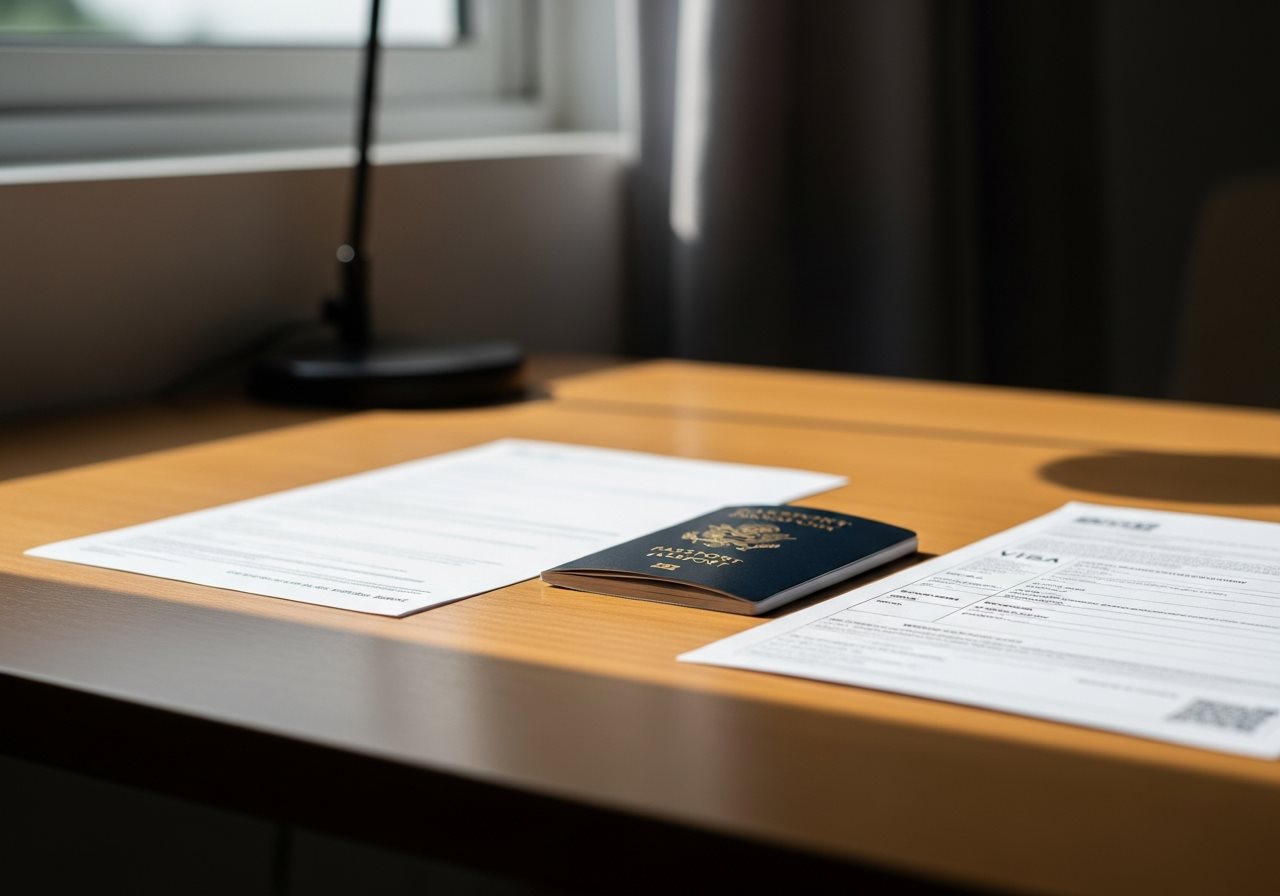
Step-by-Step Guide to Completing the Application Form
Follow each section carefully to avoid common mistakes
Personal Information Section
The personal information section is the first and most critical part of the application form. All details must match exactly with the information on the passport bio-data page.
| Field Name | Instructions | Important Notes |
|---|---|---|
| First Name | Enter your first name exactly as shown on passport | Use capital letters; no abbreviations |
| Surname/Last Name | Enter your surname exactly as shown on passport | If no surname, enter "FNU" (First Name Unknown) |
| Date of Birth | Select date, month, and year of birth | Format: DD/MM/YYYY |
| Gender | Select Male or Female | Must match passport information |
| Nationality | Select country of citizenship from dropdown menu | Check eligible countries list |
| Country of Birth | Select the country where you were born | May differ from current nationality |
Passport Details Section
Passport information must be entered with extreme accuracy. Any mismatch between the application and the actual passport can result in rejection.
Enter the passport number exactly as it appears on the passport bio-data page. The passport number is typically alphanumeric and located at the top right corner of the bio-data page.
- Include all letters and numbers without spaces
- Double-check for accuracy - O (letter) vs 0 (zero), I (letter) vs 1 (number)
- Passport must be valid for at least 6 months from arrival date
Issue Date: Enter the date when the passport was issued. This information is found on the passport bio-data page.
Expiry Date: Enter the date when the passport expires. Ensure the passport has at least 6 months validity beyond the intended arrival date in Oman.
Select the country where the passport was issued. This is usually the country of citizenship, but in some cases, passports can be issued at embassies abroad.
Travel Information Section
This section collects details about the planned trip to Oman. Accurate travel information is essential for processing the appropriate visa type.
Arrival Date
Select the expected date of arrival in Oman. The eVisa validity period begins from the date of issue, not the arrival date.
Departure Date
Select the expected date of departure from Oman. Ensure the duration of stay does not exceed the permitted period based on visa type.
Accommodation Details
Enter hotel name and address where stay is planned. Hotel reservation may need to be uploaded as supporting document.
Purpose of Visit
Select from dropdown: Tourism, Business, Family Visit, or Transit. Choose the option matching the visa type being applied for.
Port of Entry
Select the entry point to Oman (e.g., Muscat International Airport, Salalah Airport, or land border crossing).

Contact Details Section
Providing accurate contact information is crucial as this is how the Omani authorities and visa processing service will communicate regarding the application status.
Email Address
Provide a valid email address that is checked regularly. The approved eVisa will be sent to this email.
- Use a personal email you access frequently
- Double-check spelling for accuracy
- Avoid temporary or disposable email services
Phone Number
Enter a valid phone number with country code. This will be used if authorities need to contact directly.
- Include country code (e.g., +1 for USA)
- Ensure number is active and reachable
- Use international format without spaces
Residential Address
Provide current residential address including street, city, postal code, and country.
Document Upload Requirements
Ensure all documents meet the specifications before uploading
Passport Bio-Data Page
Upload a clear, colored scan of the passport information page. The entire page must be visible with all four corners showing. Accepted formats: JPEG, PNG, PDF. Maximum file size: 2 MB.
Passport-Size Photograph
Upload a recent photograph meeting strict specifications: white background, front-facing, neutral expression. Size: 600x600 pixels minimum. Format: JPEG.
Flight Itinerary
Upload confirmed round-trip flight booking showing arrival and departure dates. The document must clearly display passenger name, flight numbers, and travel dates.
Hotel Reservation
Upload hotel booking confirmation or invitation letter if staying with family/friends. The document must show accommodation details for the entire stay in Oman.
Important Upload Guidelines
- All documents must be clear and legible
- Scanned copies must show all four corners of the document
- Photos must not be edited or filtered
- File names should not contain special characters
- Ensure correct document is uploaded for each field

Common Errors to Avoid
Many application mistakes can be easily prevented with careful attention to detail. Here are the most frequent errors applicants make:
- Name Spelling Mismatches
Entering names that do not exactly match the passport. Even minor differences in spelling, spacing, or special characters can cause rejection. - Incorrect Date Formats
Using wrong date format or reversing day/month positions. Always verify dates match the DD/MM/YYYY format required. - Passport Number Errors
Confusing similar characters (0 vs O, 1 vs I) when entering passport numbers. Triple-check this critical field. - Poor Quality Photo
Uploading photos that do not meet the strict requirements - wrong background color, poor lighting, or incorrect dimensions. - Expired Passport
Applying with a passport that does not have 6 months validity from the arrival date. Check passport expiry date before starting. - Incomplete Document Uploads
Failing to upload all required documents or uploading blurry, cropped, or partial scans. - Wrong Email Address
Providing an incorrect email address and missing the eVisa approval notification. Always verify email spelling.
Reviewing Your Application Before Submission
Before submitting the application, a thorough review is essential to catch any errors or omissions that could lead to delays or rejection.
Personal Details
- Name matches passport exactly
- Date of birth is correct
- Gender is accurate
- Nationality is correct
Passport Information
- Passport number is accurate
- Issue/expiry dates verified
- 6+ months validity confirmed
- Place of issue is correct
Documents & Contact
- All documents uploaded
- Files are clear and complete
- Email address is correct
- Phone number includes country code
Final Checklist
Most visa application systems provide a review page before final submission. Use this opportunity to carefully verify every field. If corrections are needed after submission, refer to the guide on correcting application errors.

Payment Process
After completing and reviewing the application form, the final step is to pay the visa fee. The Oman eVisa system accepts secure online payments through multiple methods.
Accepted Payment Methods
- Credit Cards: Visa, MasterCard, American Express
- Debit Cards: International debit cards with online payment enabled
- Digital Wallets: PayPal and other supported payment services
Payment Security
All payments are processed through secure, encrypted channels using industry-standard 256-bit SSL encryption to protect financial information.
- Never share payment details via email or phone
- Ensure the payment page shows a secure padlock icon
- Keep the payment confirmation receipt
Payment Confirmation
Upon successful payment, an email confirmation will be sent immediately to the provided email address. This confirmation includes:
- Application reference number
- Amount paid and transaction ID
- Estimated processing time
- Instructions for tracking application status
For detailed information about visa fees for different visa types, visit the Oman eVisa Fees page. Payment methods and processing options are explained in detail on the Payment Methods page.
After Submission - What to Expect
Once the application form has been completed, reviewed, and payment has been processed, the visa application enters the processing phase. Understanding what happens next helps manage expectations and ensures readiness when the visa is approved.
Processing Timeline
Standard processing time for Oman eVisa applications typically ranges from 3 to 5 business days. However, processing times may vary based on:
- Application volume and peak travel seasons
- Completeness and accuracy of submitted information
- Nationality of the applicant
- Type of visa requested
For urgent travel needs, express processing options may be available with faster turnaround times.
Tracking Application Status
Applicants can monitor the progress of their application online using the application reference number provided in the payment confirmation email.
To check status:
- Visit the Oman eVisa status page
- Enter application reference number
- Provide passport number for verification
- View current application status
Status updates include: Application Received, Under Review, Approved, or additional information required.
Receiving the eVisa
Once approved, the eVisa will be sent to the email address provided in the application. The email contains:
- PDF attachment of the approved eVisa
- Visa reference number
- Validity period and permitted stay duration
- Entry requirements and conditions
Follow instructions on downloading and printing the eVisa to ensure proper documentation for travel to Oman.
If Application Requires Review
In some cases, additional information or documentation may be requested:
- Check email regularly for any requests
- Respond promptly to avoid processing delays
- Submit requested documents through the portal
- Maintain communication with support team
If the application is rejected, review the common rejection reasons and consider reapplying with corrected information.
Ready to Complete Your Oman eVisa Application?
Follow this guide to ensure a smooth, error-free application process
Start Your Application NowSecure processing • Fast approval • 24/7 support
Related Information
Explore more resources to help with your Oman eVisa application