
How to Apply for an Oman eVisa
Complete step-by-step guide to successfully obtain your electronic visa to Oman
Applying for Oman eVisa Made Easy
The Oman eVisa system allows travelers to apply for their visa entirely online through the official Royal Oman Police (ROP) e-Visa portal. This convenient digital process eliminates the need to visit an embassy or consulate in person, making it faster and more accessible for eligible travelers worldwide.
The online application can be completed from anywhere in the world, and the entire process typically takes just 15-20 minutes to submit. Once approved, your eVisa will be sent directly to your email address, making it a hassle-free experience.
Before you begin, ensure you have all the required documents ready, including a valid passport, recent photograph, and payment method.
Complete Application Process in 5 Simple Steps
Follow this guide to successfully apply for your Oman eVisa
Begin your application by visiting the official Royal Oman Police eVisa website. This is the only authorized platform for applying for Oman eVisas online.
Creating Your Account:
- Navigate to the ROP eVisa portal
- Click on "Register" or "New User"
- Provide your email address and create a secure password
- Verify your email through the confirmation link sent to your inbox
- Log in with your new credentials
After logging in, you'll need to select the appropriate visa type based on your travel purpose and then complete the application form.
Common Visa Types:
- Tourist eVisa (Single Entry): For leisure and tourism, valid for 30 days
- Multiple Entry eVisa: For frequent travelers, valid for 1 year with 30 days per visit
- GCC Resident Visa: For residents of GCC countries
Form Information Required:
- Personal details (full name as per passport, date of birth, nationality)
- Passport information (number, issue and expiry dates)
- Contact information (phone number, email, current address)
- Travel details (arrival date, purpose of visit, accommodation)
- Profession and employment information
You'll need to upload digital copies of several documents. Make sure all files meet the specified requirements.
Essential Documents to Upload:
Passport Copy
- Clear scan of passport bio-data page
- Passport must be valid for 6+ months
- File format: JPEG or PDF
- File size: Maximum 500KB - 1MB
- Must be readable and clear
Passport Photograph
- Recent color photo (taken within 6 months)
- White or light-colored background
- Face clearly visible, neutral expression
- Dimensions: 4x6 cm or 600x600 pixels minimum
- No glasses, hats, or head coverings (unless religious)
Proof of Accommodation
- Hotel reservation confirmation
- Or invitation letter from Omani host
- Must cover your entire stay
- Include hotel name and address
Travel Itinerary
- Flight booking confirmation
- Showing return or onward travel
- Airline name and flight numbers
- Dates of arrival and departure
Before submitting, carefully review all the information you've entered. Once you're certain everything is correct, proceed to payment.
Payment Information:
- Accepted Payment Methods: Credit cards (Visa, MasterCard, American Express), debit cards
- Secure Processing: All payments are processed through a secure 256-bit SSL encrypted payment gateway
- Instant Confirmation: You'll receive a payment receipt immediately after successful transaction
Visa Fees (Approximate):
| Visa Type | Validity | Fee |
|---|---|---|
| 10-Day Tourist eVisa | 10 days | 5 OMR (~$13 USD) |
| 30-Day Single Entry | 30 days | 20 OMR (~$52 USD) |
| 30-Day Multiple Entry | 1 year (30 days per visit) | 50 OMR (~$130 USD) |
Visit our visa fees page for the most current pricing information.
After successful payment, submit your application and wait for processing.
What Happens Next:
- Application Submission: You'll receive a confirmation email with your application reference number within minutes
- Processing Period: Standard processing takes 3-5 business days. Express options available for faster processing
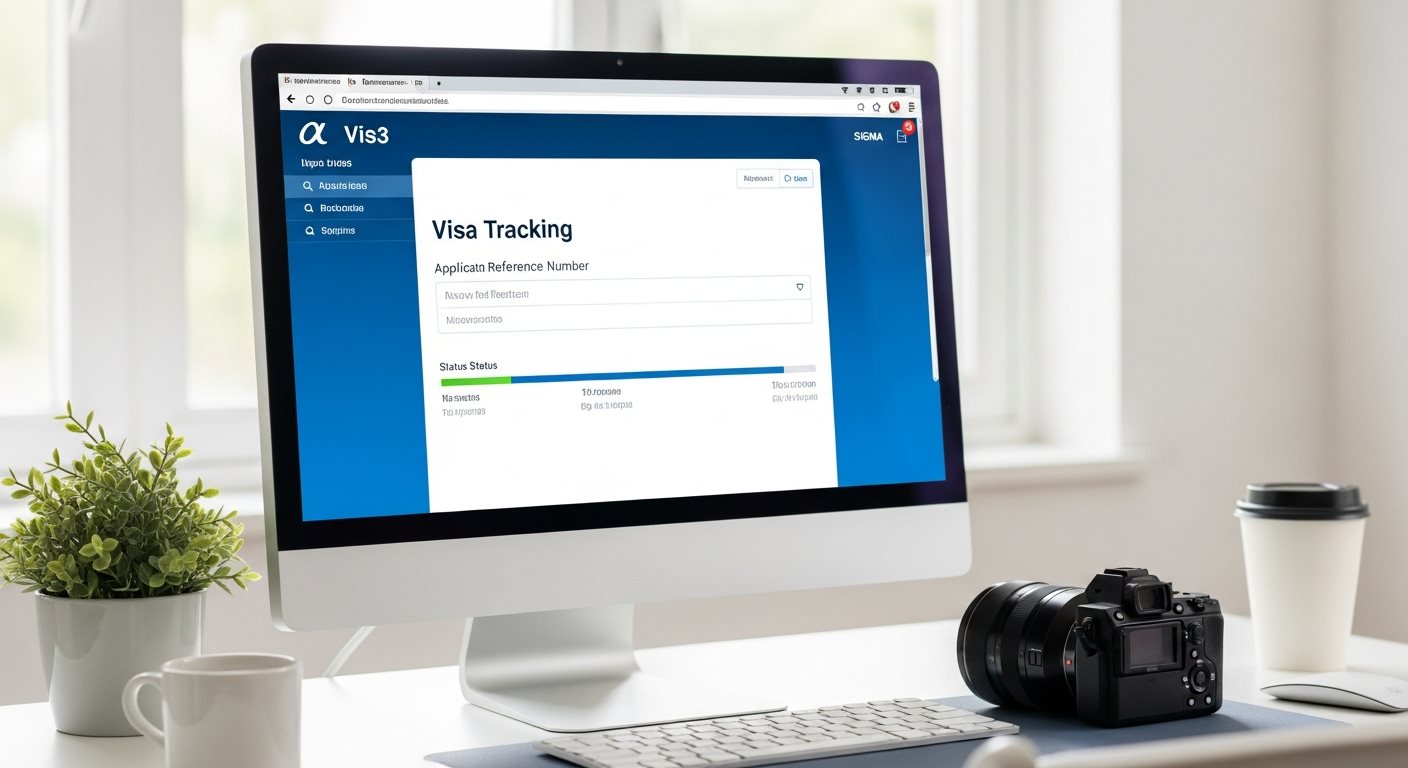
- Track Status: Use your reference number to check your application status online
- eVisa Approval: Once approved, your eVisa will be sent to your email as a PDF document
- Download and Print: Download the eVisa and print at least 2 copies for your travel
How Long Does Processing Take?
The processing time for your Oman eVisa depends on several factors, including the type of visa, your nationality, and the accuracy of your application.
Standard Processing Times:
- Tourist eVisa: Typically 1-4 working days
- GCC Resident Visa: 2-3 working days
- Express Visa: 24-48 hours (additional fees apply)
Processing times may be longer during peak travel seasons, holidays, or if additional verification is required. You can track your application status at any time using your reference number.
Expert Tips for a Successful Application
Increase your chances of quick approval with these helpful tips
Double-Check Everything
Review all entered information carefully before submission. Spelling errors, incorrect dates, or mismatched details can cause rejection.
Use Quality Documents
Upload clear, high-resolution scans. Blurry or low-quality images may be rejected. Ensure passport pages are completely visible.
Apply in Advance
Don't wait until the last minute. Apply at least one week before travel to avoid stress and allow time for corrections if needed.
Use Official Portal Only
Only apply through the official Royal Oman Police eVisa website to avoid scams and ensure your application is legitimate.
Monitor Your Email
Check your email regularly, including spam folder, for updates about your application status and approval notification.
Print Multiple Copies
Once approved, print several copies of your eVisa. Keep them in different bags as backup during your travel.
Common Application Issues and Solutions
Issue: Application Gets Rejected
Common Causes:
- Incorrect or incomplete information
- Poor quality document uploads
- Passport validity less than 6 months
- Mismatched information between form and documents
Solution: Review the rejection reasons guide, correct the errors, and reapply with accurate information.
Issue: Made a Mistake After Submission
Problem: Discovered an error in your application after submitting and paying.
Solution: Minor corrections may be possible by contacting the ROP support. For major errors, you may need to submit a new application. Learn more about correcting application errors.
Issue: Payment Failed or Not Processed
Common Causes:
- Insufficient funds on card
- Card not enabled for international transactions
- Technical issues with payment gateway
Solution: Contact your bank to enable international transactions. Wait for confirmation email before attempting payment again to avoid duplicate charges.
Issue: Not Receiving Confirmation Email
Check:
- Spam/junk email folder
- Email address entered correctly during registration
- Email server not blocking government emails
Solution: Log into your eVisa account portal to check application status. Add the official email domain to your safe senders list.
Check Your Eligibility Before Applying
Before starting your application, make sure you're eligible for an Oman eVisa. Not all nationalities can apply online - some may need to visit an embassy.
Who Can Apply:
- Citizens from over 100 eligible countries
- GCC residents with valid residency permits
- Travelers with passports valid for at least 6 months
- Visitors traveling for tourism, business, or family visits
Special Categories:
If you're a GCC resident, you may have different requirements and processing times. Make sure to select the correct visa category during application.
What to Do After Your eVisa Is Approved
1. Download Your eVisa
Once approved, you'll receive an email with your eVisa attached as a PDF. Download and save it securely on multiple devices.
Download Guide2. Print Multiple Copies
Print at least 2-3 copies of your eVisa. Keep them in different bags as backup. A printed copy is often required at immigration.
3. Prepare for Travel
Review the entry requirements and ensure you have all necessary documents ready for smooth immigration clearance.
Frequently Asked Questions About Application Process
Quick answers to common questions
The online application typically takes 15-20 minutes to complete if you have all required documents ready. This includes filling out the form, uploading documents, and making payment. However, it's recommended to take your time and carefully review all information before submission to avoid errors.
Yes, most eVisa portals allow you to save your application as a draft and return to complete it later. Simply log back into your account to access and continue your saved application. However, saved applications may expire after a certain period (usually 30 days), so complete and submit within the allowed timeframe.
No, you do not need to submit your physical passport for the eVisa application. You only need to upload a clear digital scan or photograph of your passport's bio-data page. The eVisa is entirely electronic and will be linked to your passport number in the system.
Yes, you can apply for an Oman eVisa on behalf of another person, such as a family member or colleague. You'll need their passport details, photograph, and other required documents. Each traveler needs a separate application and visa, including children. When applying for a group or family, you can submit multiple applications in one session.
If you discover a mistake before submission, you can edit the information in your draft application. However, once submitted and paid, corrections are difficult. Minor errors might be correctable by contacting ROP support, but major errors typically require a new application with new fees. Always double-check before final submission.
There is no specific age requirement. All travelers, including infants and children, need their own eVisa to enter Oman. Parents or guardians can apply on behalf of minors. When traveling with children, ensure each child has their own separate visa application with their passport details.
Ready to Start Your Application?
Begin your Oman eVisa application process now with our complete step-by-step guidance
Apply for Oman eVisa NowSecure application • Fast processing • Expert support available
Helpful Resources for Your Application
Everything you need for a successful eVisa application